In the past year, I’ve almost entirely moved to reading digitally. I’ve used ReadEra previously, and I’ve also used MoonReader back in the day, but I’ve always wanted to try KOReader. I’d originally tried it in 2024, but I couldn’t understand the UI easily, so I gave up and returned to it this year.
Now, I use multiple reading devices, I have a Boox Tab Mini C, a Boox Palma and a few Android phones and tablets. The Boox devices use Neoreader out of the box, but I didn’t want to shift to something hardware-specific. Besides, I was beginning to like KOReader’s pagination and layout options. I’m sure UX gurus will say KOReader makes things hard, and I felt the difficult personally when I started, but after I found the Menu search option and after using it daily for a few weeks, I began to like it.
KOReader doesn’t get in my way. It’s odd to say that, but it really doesn’t. Of course, I loathe the keyboard it provides, I wish it used the device’s on-screen-keyboard, but I understand the choices they made. It’s a great piece of software, one I’m forever grateful for.
Another part of KOReader that I didn’t grok in the beginning was sync. There are a few facets to syncing.
- Syncing reading progress
This was easy to setup. I needed to make an account on KOReader cloud and it would sync my progress across my devices, and only my progress.
- Syncing the reading statistics
This was slightly harder to do. I had to make an account on Koofr, something I had never heard of, to save the reading statistics, and I need to manually synchronize them whenever I want to update the pretty charts. But once I set it up, this was fairly forgettable, but I keep reminding myself this is why I have the Koofr app on my primary phone from time to time. You don’t need the app, but I installed it back when I set it up and I haven’t removed it yet.
- Syncing books
This proved to be something I couldn’t natively do. But I knew I could use Syncthing, and I’m glad that the community fork of the Android app exists. I use Syncthing every day, and primarily for syncing my books across my devices.
- Syncing Highlights and Notes
Now this was something I gave up on. Originally, I saw some plugins for Calibre which allowed me to sync the notes. These didn’t work, but I suspect it was a “between keyboard and chair” error. And, I was fairly happy using the manual export option that one time I needed it to convert my highlights into a nice blogpost.
However, I wanted to do this again, and more frequently. I liked the format of that post, but I remember how much time it took me to make said post that I never got around to it.
Now, I’m someone who believes that there’s value in niche software. Even if I’m the only one who’s ever going to be using something, I am ready to write it. I was free this weekend, and I wanted to build something fun.
Originally, I’d tackled this with a single Python script, using Click for the
CLI and cleaning the JSON that I exported from KOReader.
I never went back to that script because: 1. I didn’t remember how to use it without reading the code, and 2. I didn’t enjoy that I had to manually get the notes to my laptop to use it.
When I set up the ebook sync, I noticed that KOReader kept the book metadata,
including the highlights right next to the books. I didn’t like that, so I used
a non-default setting to ensure that it keeps all the highlights and other
metadata in the koreader/docsettings folder at the root of any Android device.
This turned out to be a blessing. I created more Syncthing shares, one per
device. Each of these corresponded to the docsettings file on those devices,
and they were all synced to my computer at ~/syncthing/ebook-highlights/
folder, with the device name as the folder name.
❯ tree -d -L 1 ~/syncthing/ebooks-highlights/
/home/stonecharioteer/syncthing/ebooks-highlights/
├── boox-palma
├── boox-tab-mini-c
├── lenovo-ideatab
├── opo
└── s9u
Now, I had to just figure out how to use this.
I originally considered setting up Jenkins or Rundeck on my homelab MiniPC. I assumed that I could write some scripts that would take care of parsing the files, merging them and updating all these folders with the merged notes.
However, I realized I wanted additional features when I spent some time thinking about this.
First, I didn’t really care that my highlights were synced across devices. I mostly read different books on different devices. Mostly. The only devices that have some overlap are my Boox devices. And, I don’t use the larger Android tablets for the same books, I use those for technical reads.
Soon, I realized that what I wanted is a management system for my highlights.
I experimented with trying to export my highlights to Karakeep, originally, but I wasn’t happy with that either. I didn’t want to have to share my highlights to Karakeep from my reading devices, and I didn’t enjoy writing a request-handler for Karakeep’s API. I’m not very sure what my experience was with it, but I didn’t feel like that was the solution.
Instead, I wanted an application that was dedicated towards getting my highlights out of my reading devices and into my blog, not all of them, but the ones I cared about.
Having set that requirement, I then decided I’d stick to what I knew for this. Asking AI to write applications is fun, but it also decides to use React or Next.js all the time. I don’t want an SPA, not at the very least. And I wanted to be able to read and understand every bit of code that it spat out. So I chose what I’m good at.
Flask. I began building this application in Flask, using Jinja2 templates and Bootstrap CSS. Oddly enough, I realized that this resulted in an aesthetic that felt less-alien to me.
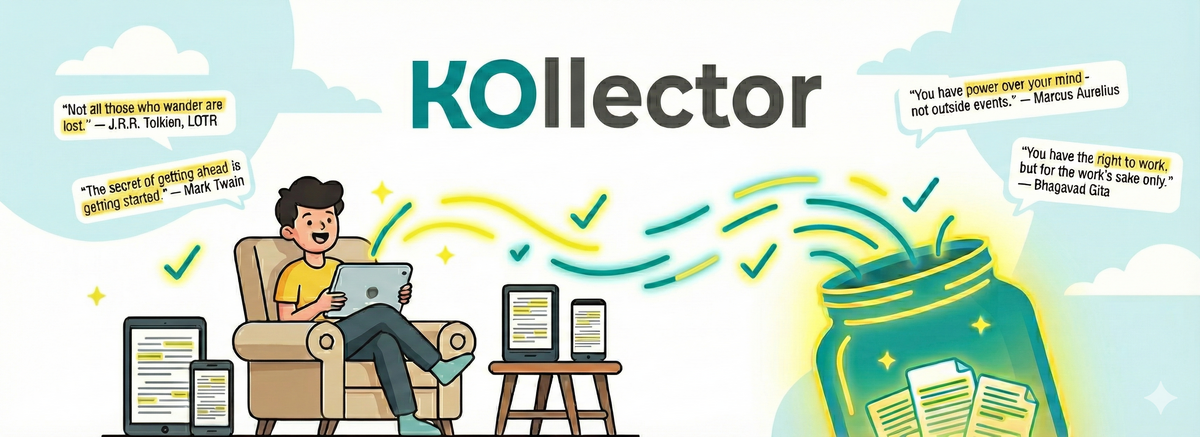
For the colors, I generated the banner using Gemini and Nano Banana, and I then used this online tool to generate a color palette from the image.
I originally called it koreader-highlights-collector, until the idea to call
it KOllector became obvious.
My goal with KOllector was extremely personal. I wanted to write something simple that solved a deeply personal need. I remarked to my friends that I do not see any one else needing this, but it’s something I definitely see myself using.
I don’t want to use this post to document how the code works, but I wanted to show off some screenshots because I’m rather happy that it doesn’t look like the usual vibe-coded sites I’ve seen thus far.
It reminds me a lot of the internet in the 2010s, and that is a great reason to smile.
Screenshots
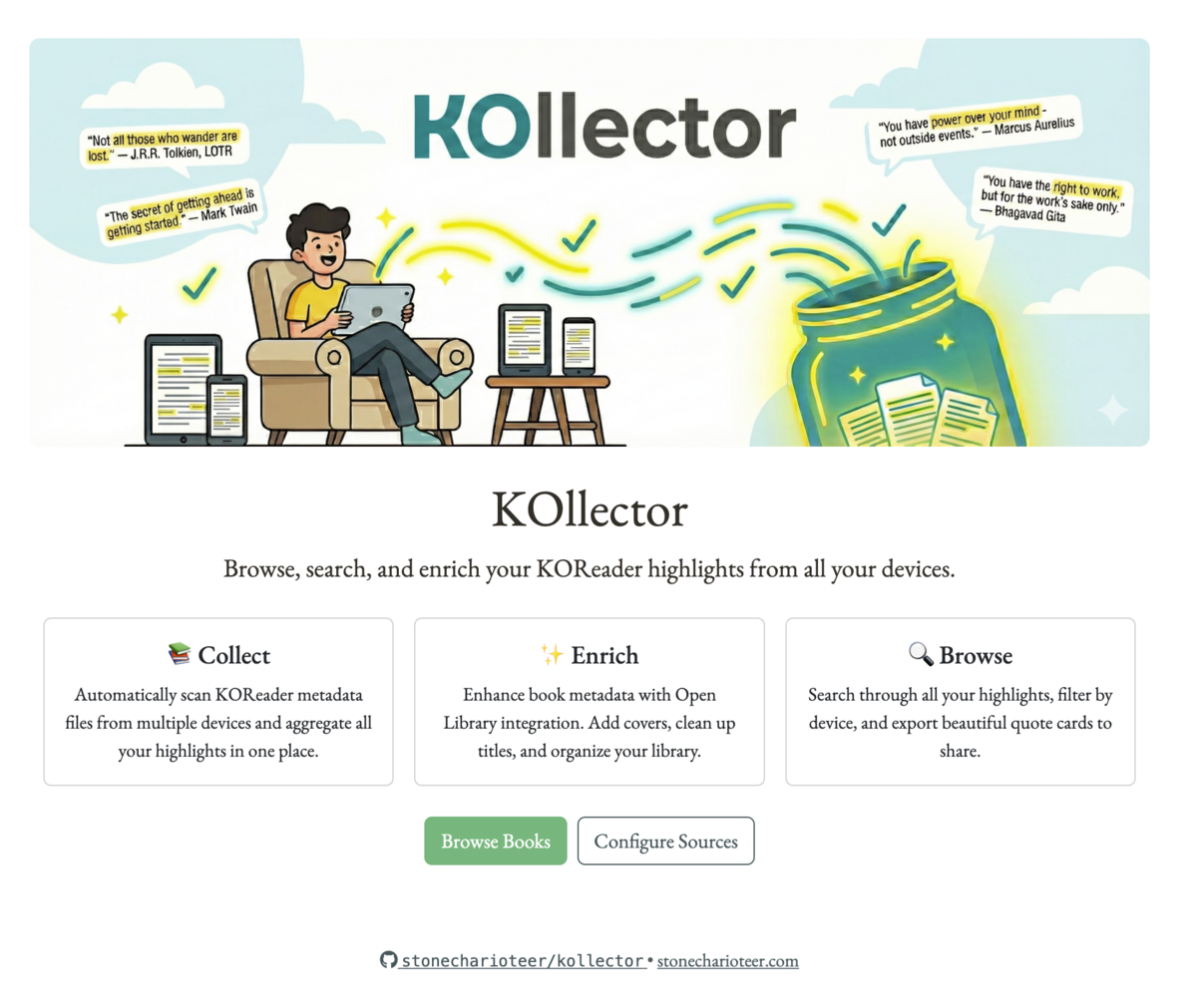
Browsing Your Reading Library
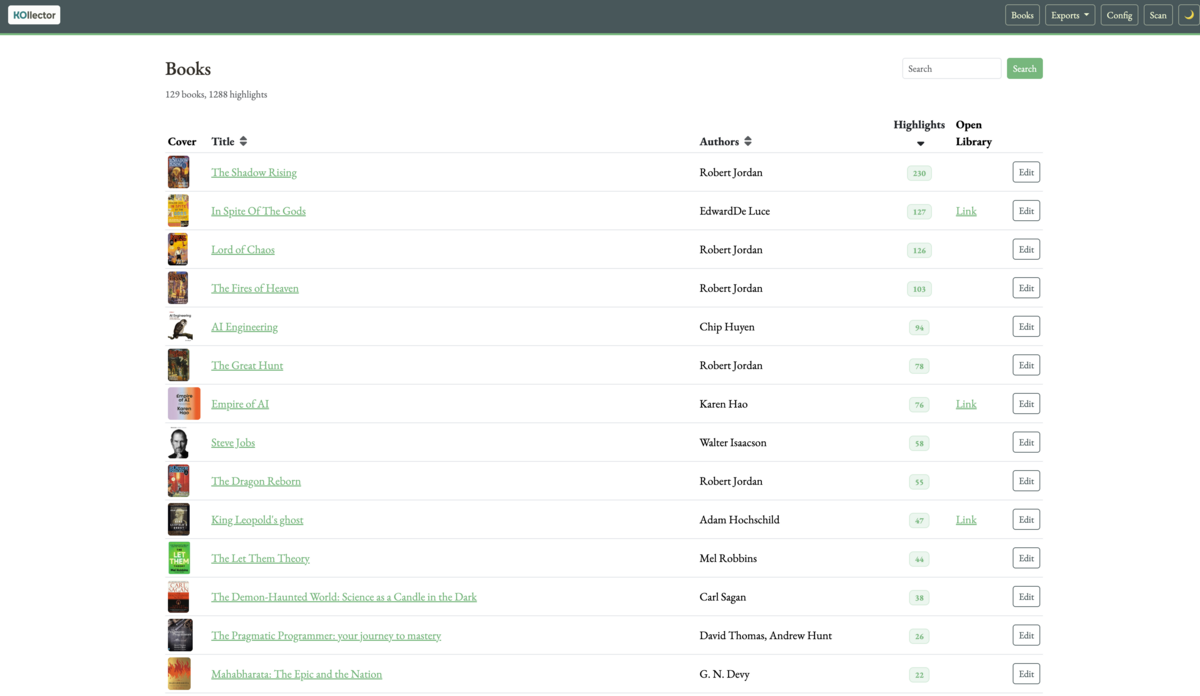 The book list page with search and sorting capabilities
Managing Book Metadata
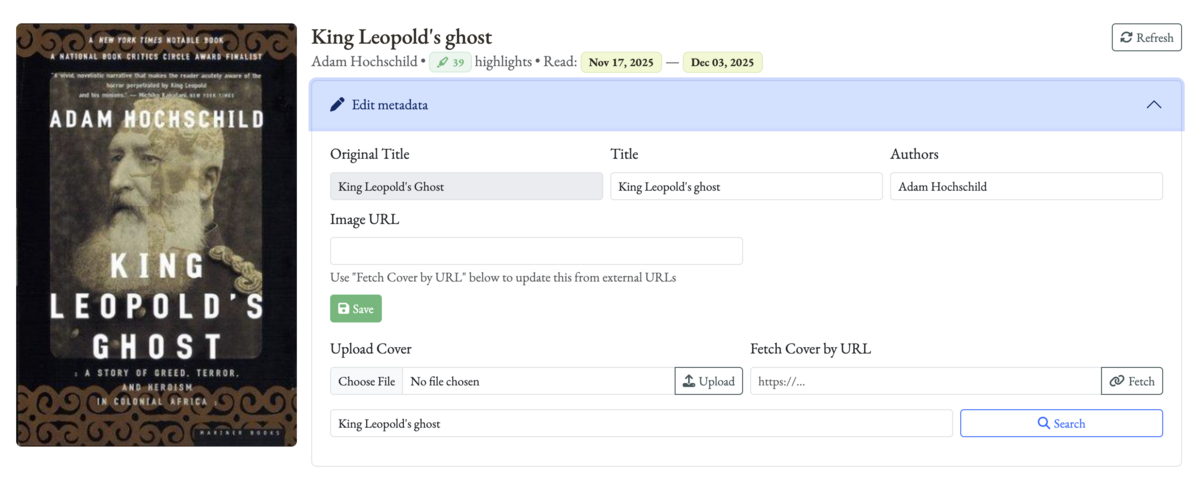 Editing book metadata and fetching information from Open Library
Viewing Highlights Across Devices
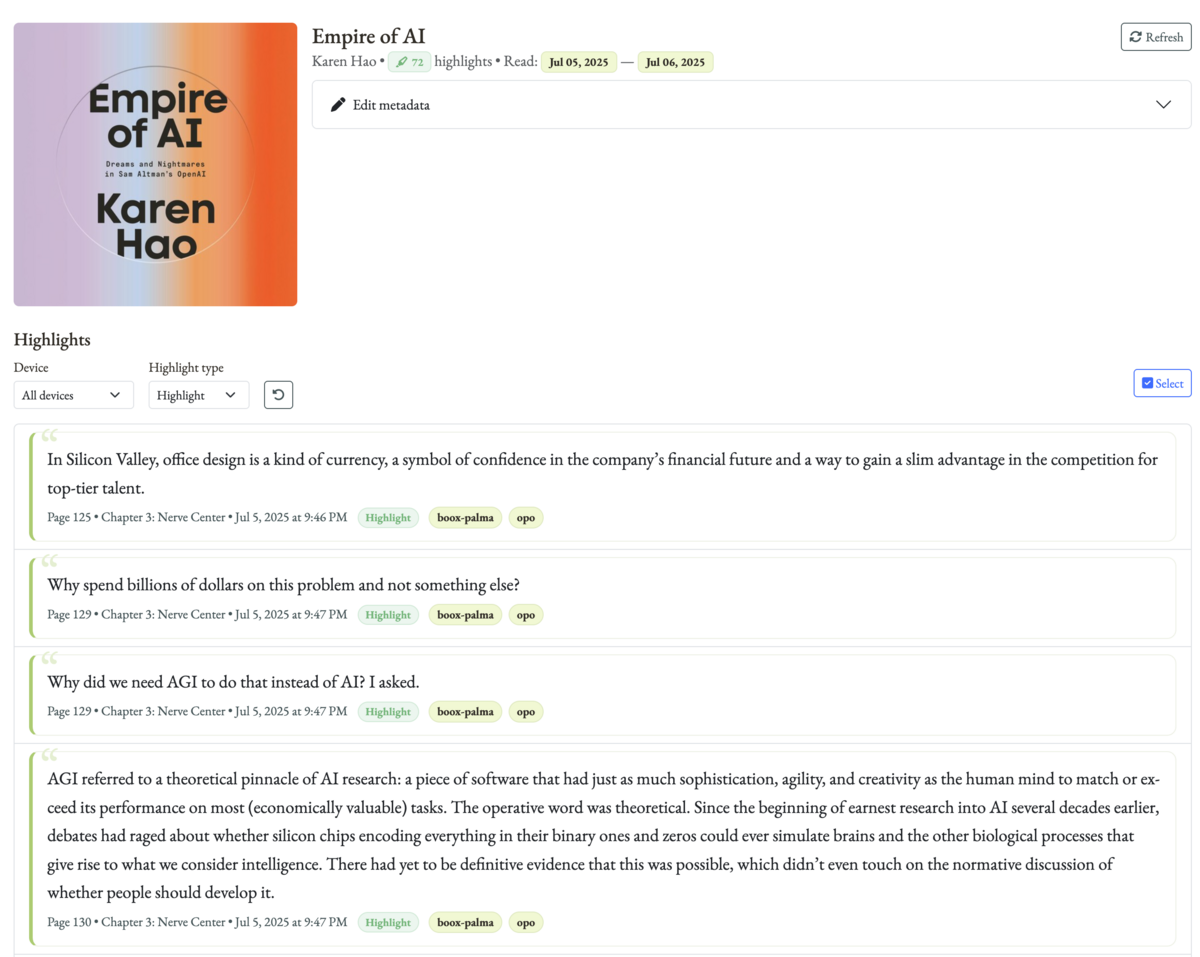 Viewing all highlights for a book with device filtering
Sharing Individual Quotes
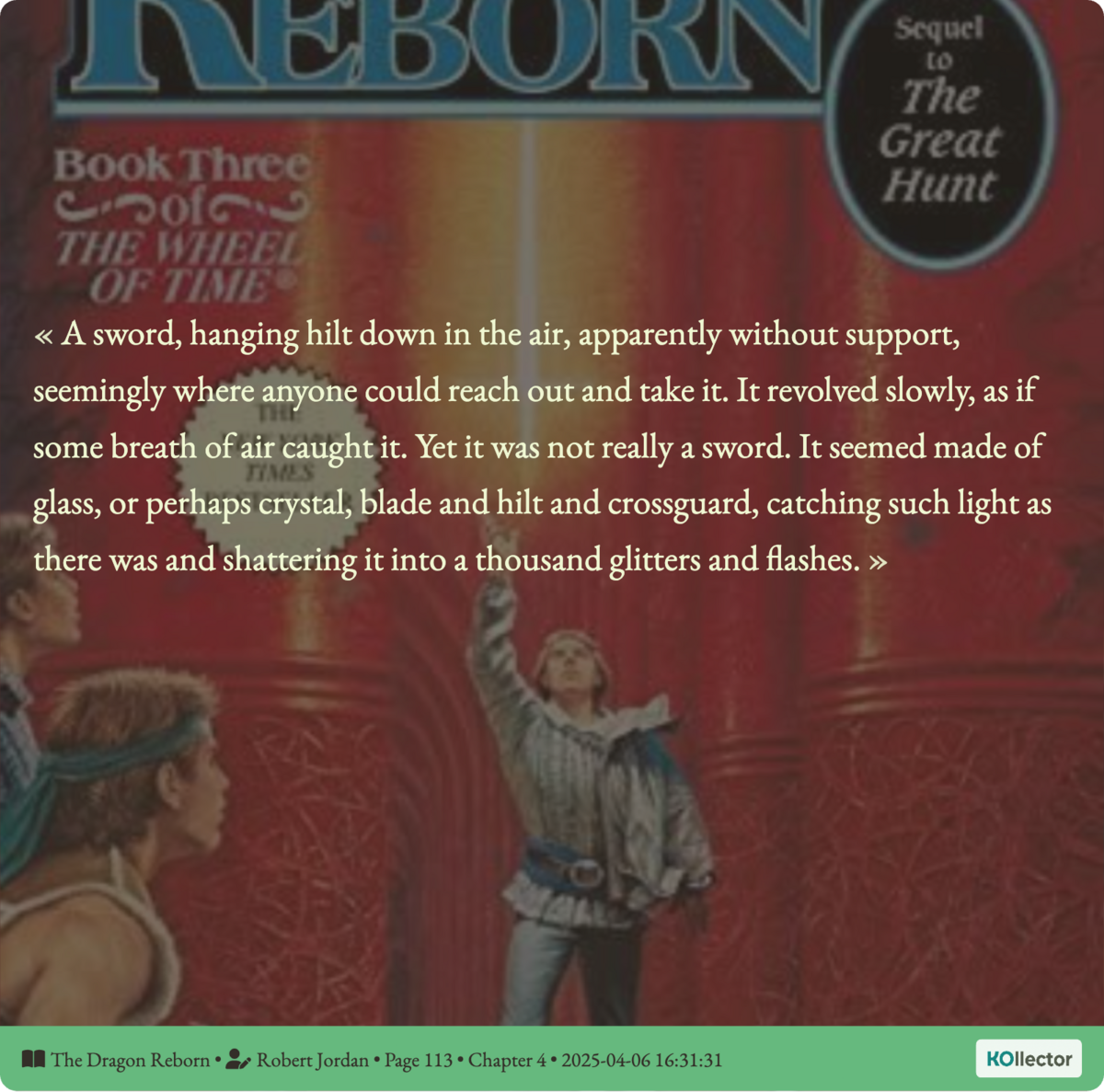 A
generated quote image with book cover background
A
generated quote image with book cover background
Configuration
Each source folder here corresponds to one device’s docsettings folder. That
way, I can tag each as a “device” and have that show up in the quotes as well,
to show what I’ve highlighted in which device.
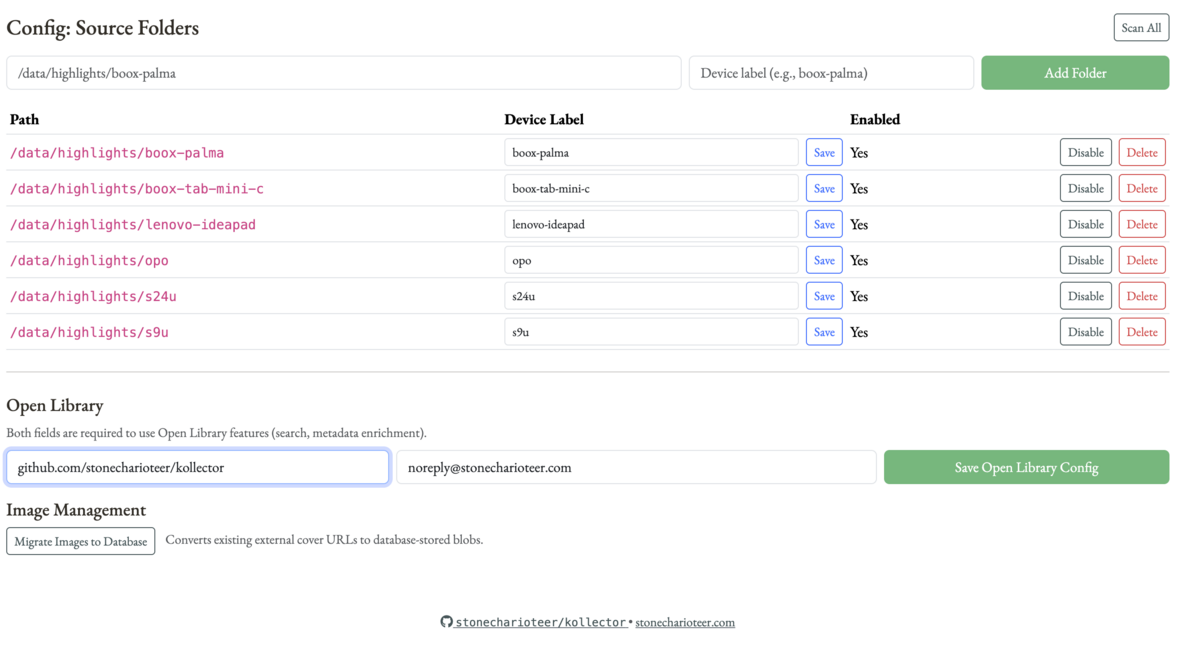 Configuring source folders and device labels
Exporting to Blog Posts
I wanted support for Jinja2 templates to export a book’s highlights and its
cover to file, just so that I can use it in my blog. I thought about doing it
automatically when ingesting new highlights, but I didn’t want to tie the
implementation down to my specific way of using it. I also wanted to be able to
use this to export highlights to a JSON if required.
I also accounted for multiple templates, so that I can have different versions of templates that I test this with.
The backend kicks off a celery task for this and provides a separate job tracker page so that it doesn’t slow down the front end.
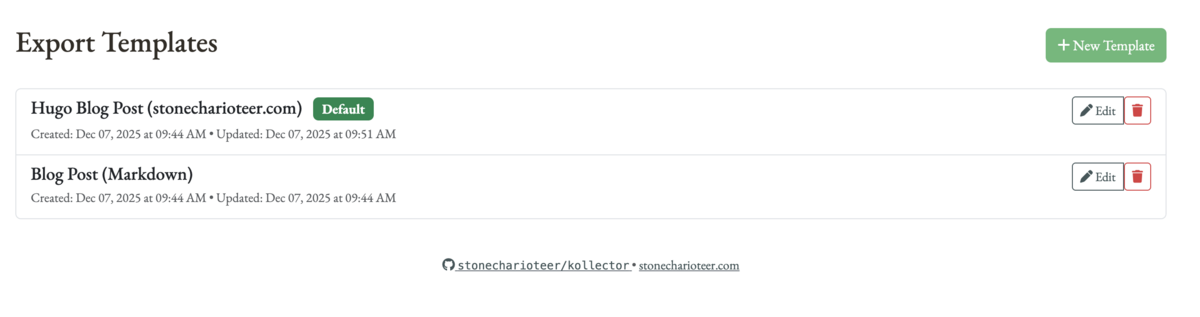 Choosing an export template for generating blog posts
Next Steps
I am not done building KOllector. I plan to use this regularly to publish book posts to my blog, and continuously upgrade it. I think there’s a lot more I can envision here, and I’m happy I spent my weekend building this.
I used KOllector to publish my reading notes on Adam Hochschild’s King Leopold’s Ghost, and that made this entirely worth the effort.